
Weathergraph
weathergraph.appBeautiful weather forecast and widget for iPhone, Apple Watch and Mac.

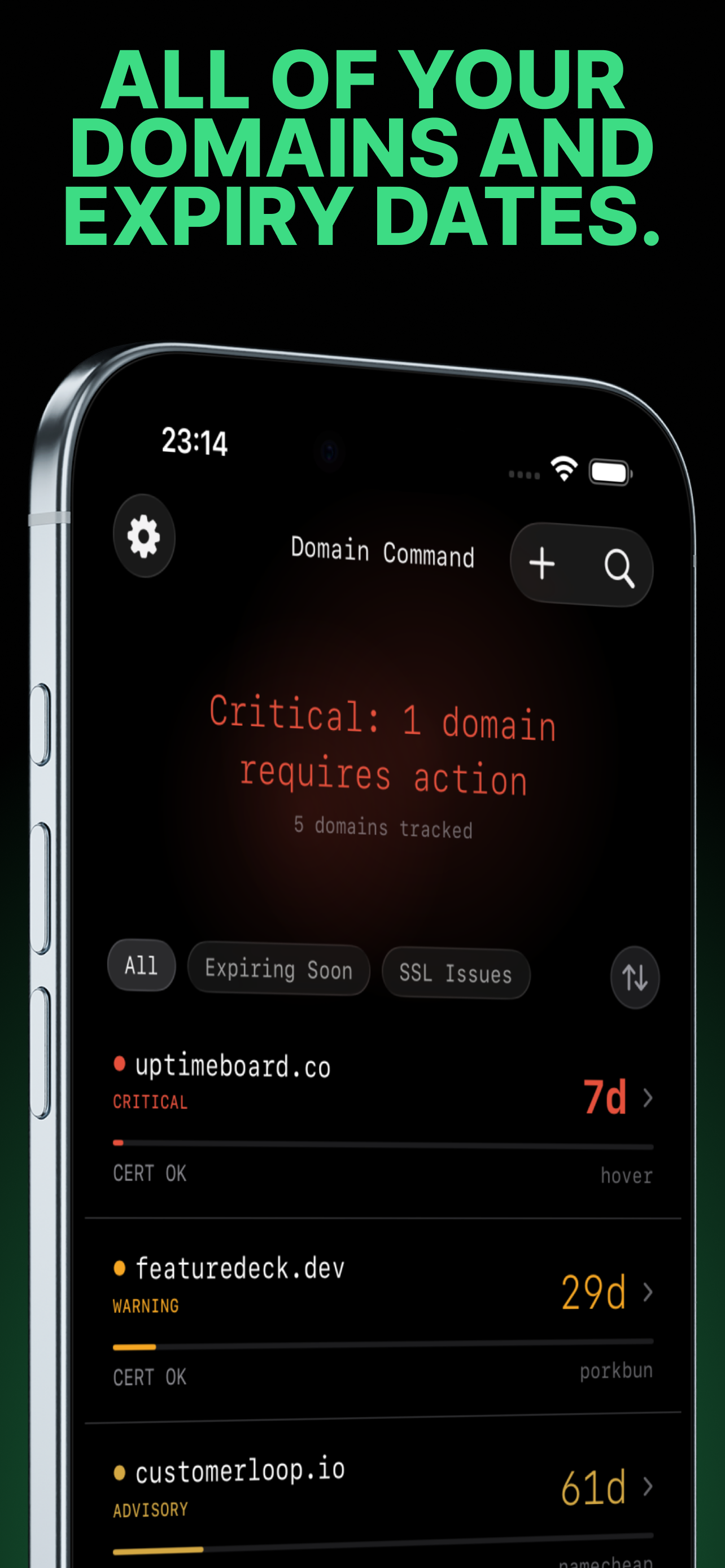
You have domains. Some have SSL certificates. All of them expire. This app makes sure you know before they do.
Domain Command performs WHOIS and RDAP lookups directly from your iPhone or Mac — no middleman server, no cloud processing, no data collection. Your domain portfolio stays on your device and in your iCloud, period.
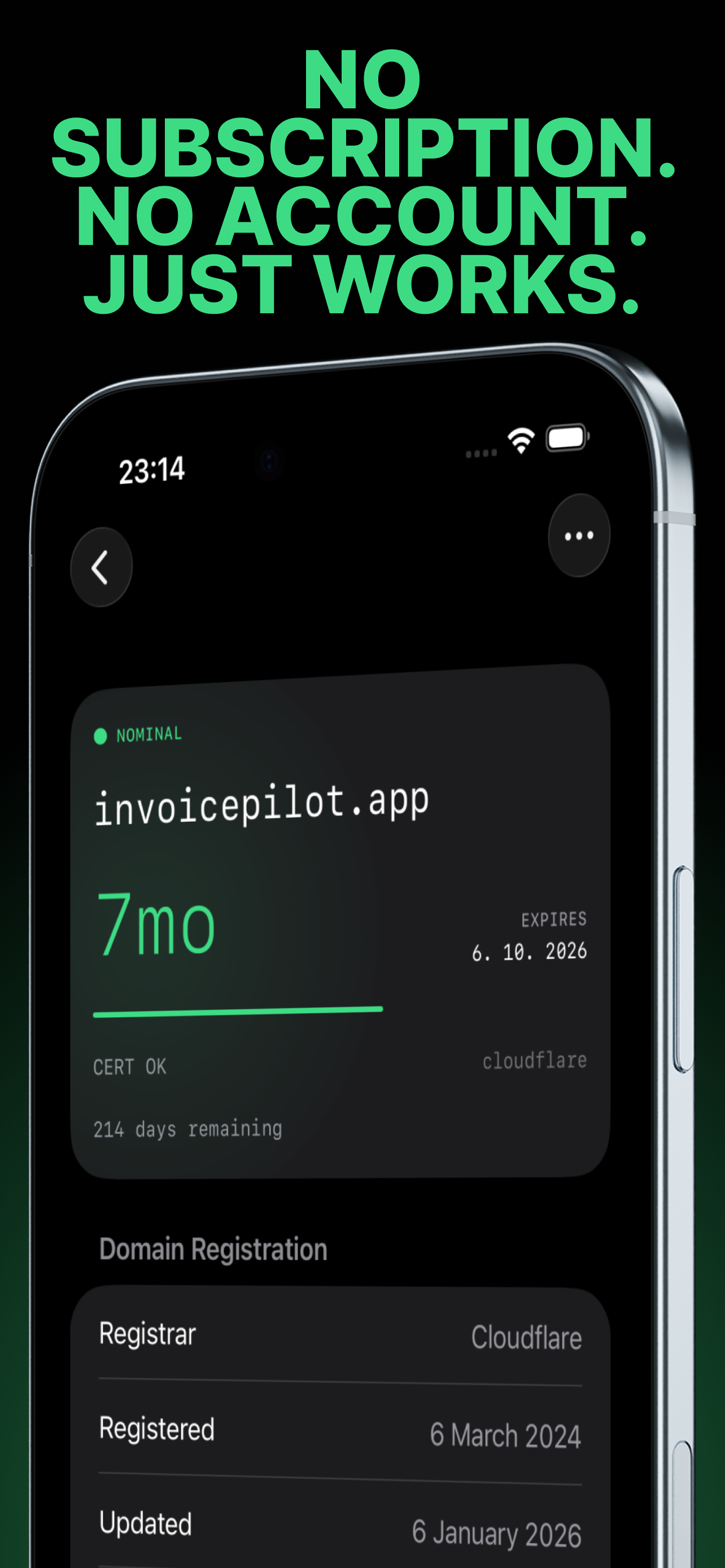
Track up to 3 domains free with all features. A single in-app purchase unlocks unlimited domains, widgets, iCloud sync, CSV import/export, and per-domain notification settings. One-time purchase — no subscription, ever.
Track domain expiry dates, registrar info, and nameservers via WHOIS/RDAP. Monitor SSL/TLS certificates — issuer, validity dates, and status at a glance.
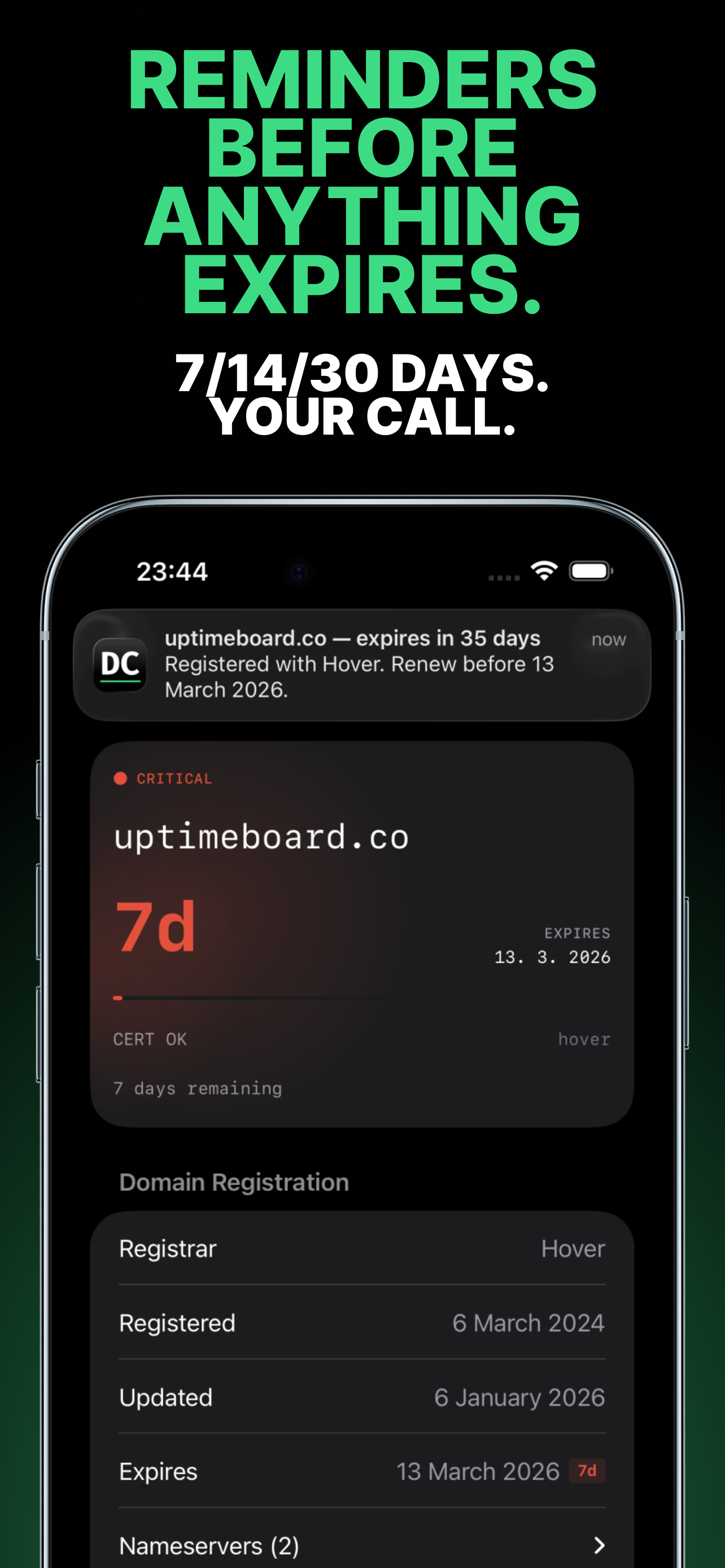
Get notified before anything expires — 30, 14, and 7 days out. Notifications are scheduled locally via iOS. The system owns them once set — they fire even if the app is killed. No server ping required.
All lookups happen on your device using public WHOIS and RDAP protocols. No middleman, no cloud processing. Works offline — cached data and pre-scheduled notifications need no internet.
Uses RDAP (structured JSON) where available, WHOIS with format-specific parsers as fallback. Supports 200+ TLDs. If a format is unrecognized, enter expiry manually and optionally report it for the next update.
Glance at your most urgent renewals without opening the app. Small, medium, and large widget sizes. Single-domain widgets too.
Keep your domains in sync across iPhone and Mac via iCloud. Still no server — Apple's CloudKit handles it, and the developer never sees your data.
Most domain trackers charge you monthly to run a cron job on their server. Domain Command has no server. WHOIS is a public protocol — your device queries it directly. That means zero recurring costs for the developer, and zero subscription for you. Pay once, use it forever.
Track up to 3 domains with all features. No time limit, no nag screens.
Unlimited domains, home screen widgets, iCloud sync, CSV import/export, per-domain notification settings.
No. Domain Command is fully offline. WHOIS and RDAP lookups go directly from your device to public registry servers. Notifications are scheduled locally via iOS. iCloud sync uses Apple's infrastructure. The developer operates no server.
Domain Command uses two protocols: RDAP (Registration Data Access Protocol), which returns structured JSON and is preferred, and WHOIS via raw TCP connections to port 43 as a fallback. It supports 200+ TLDs. If neither protocol returns parseable data, you can enter the expiry date manually.
No. Track up to 3 domains free with all features. A single in-app purchase unlocks unlimited domains, widgets, iCloud sync, CSV import/export, and per-domain notification settings. No subscription, no recurring fees.
None. There are no analytics, no tracking SDKs, no accounts, and no sign-ups. The only network requests are WHOIS/RDAP lookups and SSL checks to public servers. One optional, user-initiated feature lets you send a public WHOIS record to the developer to improve parsing — no personal data is included.
Notifications are scheduled locally via iOS. They fire even if the app is not running. Every time you open the app, it refreshes expiry dates and reschedules all reminders. Default alerts at 30, 14, and 7 days before expiry. You can customize intervals per domain.
Yes. Domain Command connects to your domain's server via HTTPS to inspect the TLS certificate chain. It extracts the issuer, validity dates, and status. SSL certificate expiry is monitored alongside domain expiry.
The free tier tracks up to 3 domains. The one-time Pro unlock supports up to 64 domains, which matches the iOS local notification limit. More than enough for indie developers, small businesses, and freelancers managing client domains.
Yes. Domain Command is a native app for both iOS 26+ and macOS 26+. It uses SwiftUI with platform-appropriate UI on each device, and iCloud sync keeps your domain data in sync across iPhone and Mac.
Beautiful weather forecast and widget for iPhone, Apple Watch and Mac.

Visual memory manager for Mac.